
Flexibility, stability, and reusability – that's why Core4
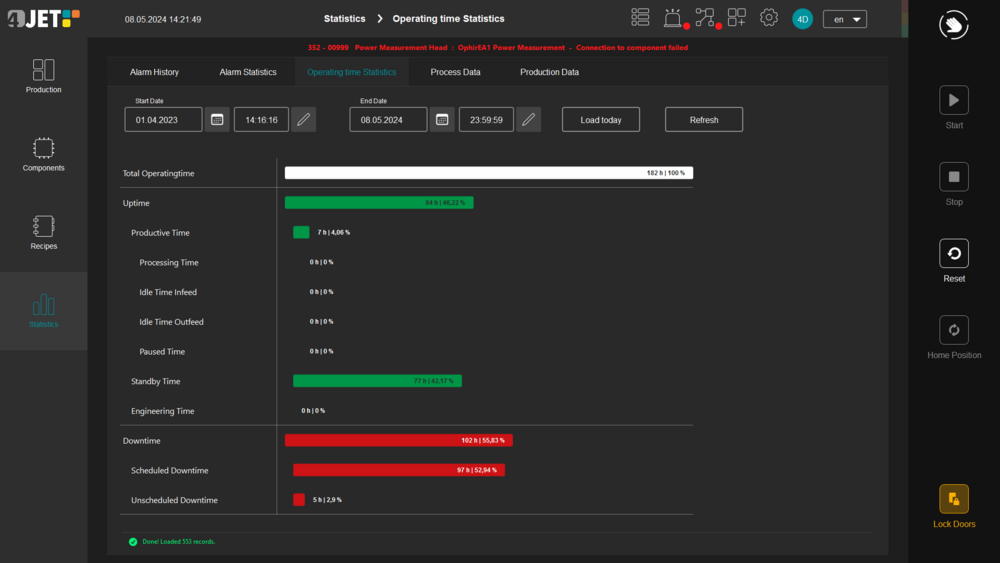
Benefit from reduced commissioning times and quick system adjustments thanks to Core4's standard modules and preconfigured workflows. Its modularity allows technical innovations and customer-specific requirements to be easily integrated without risk to existing processes. The intuitive user interface reduces everyday sources of error and personnel training. With structured data management and comprehensive visualization, you always have an overview of production status and machine conditions. Automated unit tests, code reviews, and a consistent CI/CD infrastructure ensure quality and a stable, maintainable software base that is continuously optimized. Our large development team and remote access to the system ensure fast service and high adaptability. Your requirements and feedback flow into the ongoing development of Core4 – agile, practical, and with a clear goal: to deliver the best control solution for industrial use.
Key features for peak performance
Modularity at the component level – adaptability as a game changer
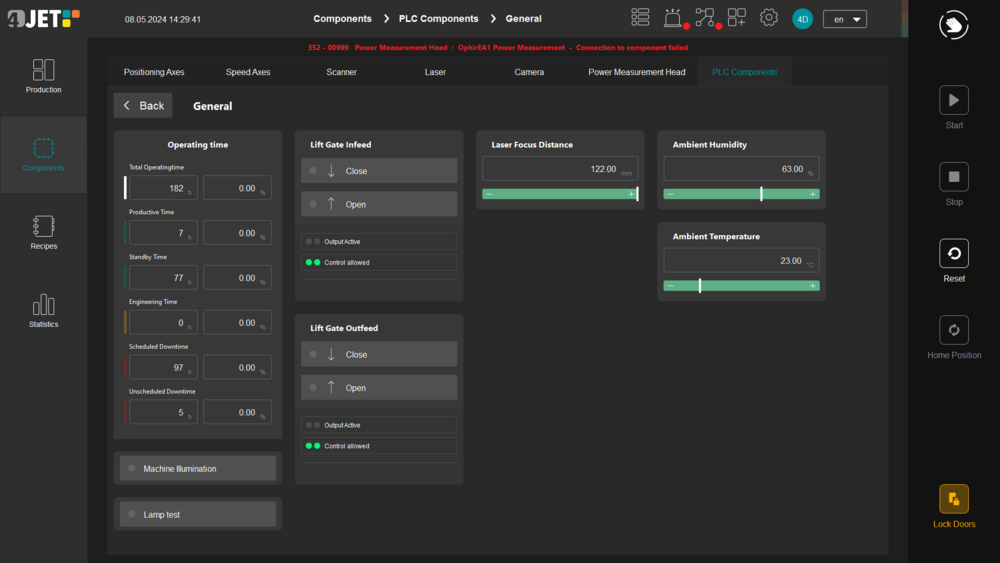
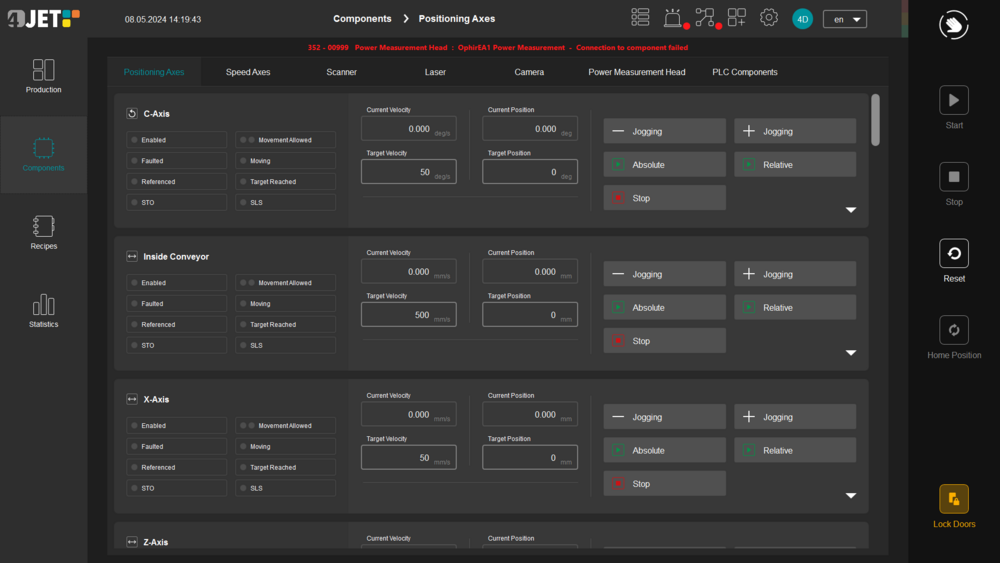
The component-based software design enables a wide range of applications and machine configurations. All hardware components – from lasers, scanners, and axis systems to PLC control – are structured within the framework as independent and decoupled software modules. The modular architecture allows new functions or hardware elements to be easily integrated without affecting existing functionality – ideal for customer-specific adaptations or future system expansions. Multiple software engineers can work on separate modules in parallel, ensuring fast, adaptable further development of the software.
Modularity at the process level – flexible processes, easy to configure
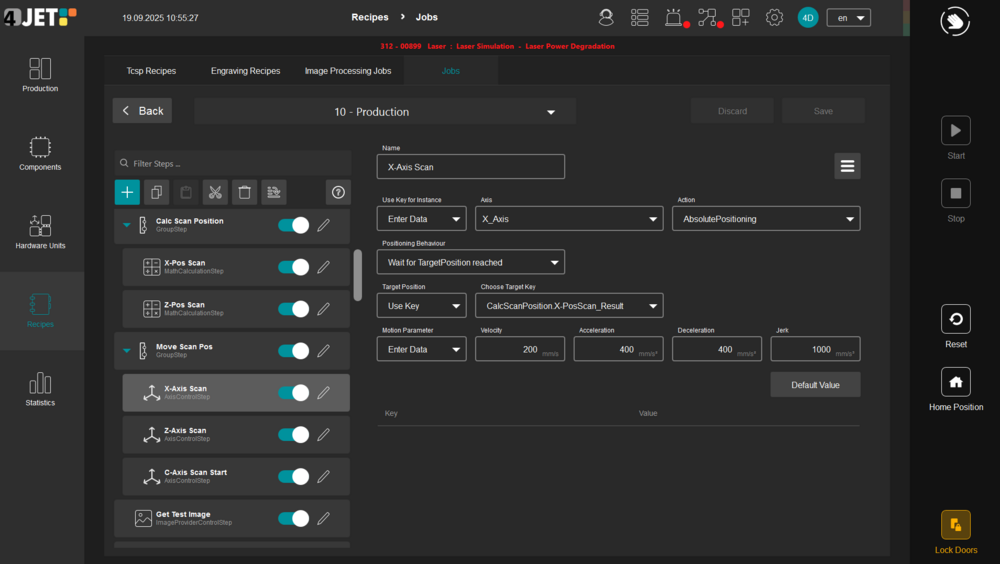
High standardization with maximum flexibility is made possible by Core4's recipe-based approach. Individual process recipes can be configured directly in the software from more than 200 specialized modules, called steps.
The steps represent mathematical calculations, image processing, communication with machine components, and logical sequences. Complex processes are implemented as no-code modules through simple configurations of the steps, without deep programming. New products, variants, or customer-specific requirements can thus be implemented quickly and efficiently. By mapping CAD post-processors as steps, quick CNC changes are possible.
Flexible workflows and standardized interfaces enable seamless integration into existing production lines – including MES systems, conveyor technology, and peripheral devices.
User interface – clarity, intuition, and functionality
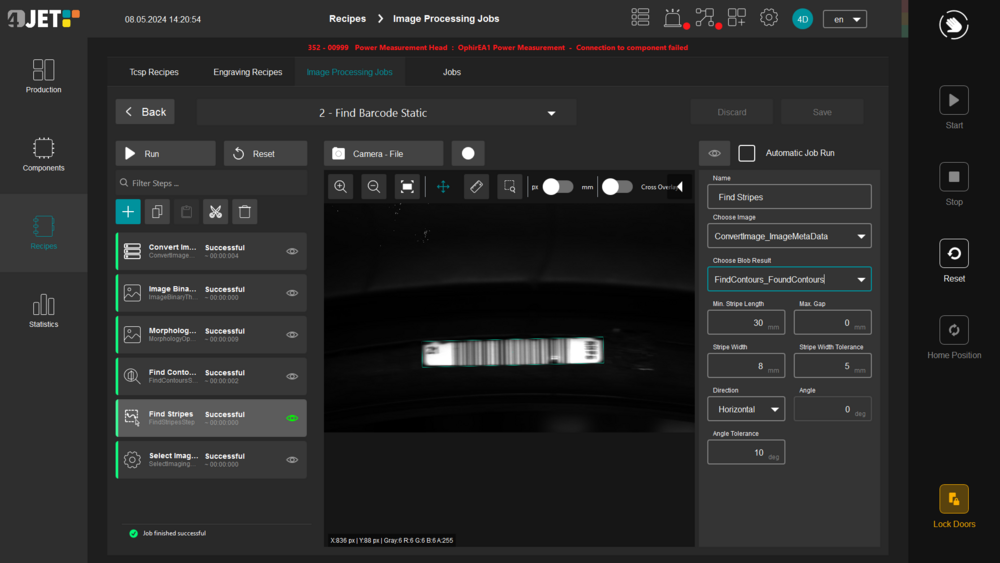
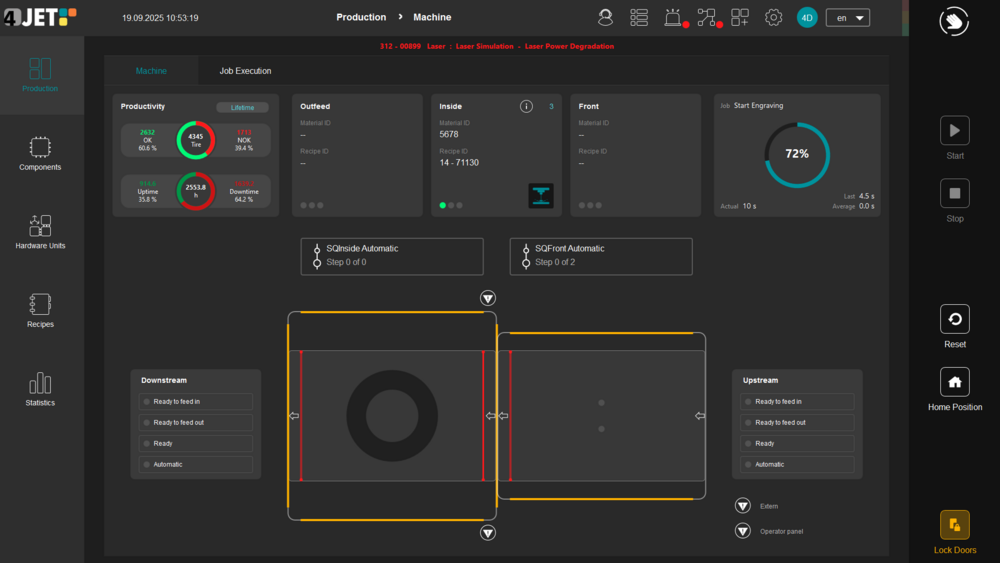
The modern and intuitive interface is designed to meet the needs of your employees, service technicians, and engineers, whether they are on the production line, in engineering, or in service. The cross-machine, user-friendly interface simplifies staff training and recipe handling. Fully touch-optimized, it is suitable for industrial panels. Multilingualism and role-based user guidance make it easy to use worldwide in different production contexts.
Database and data usage – always maintain an overview
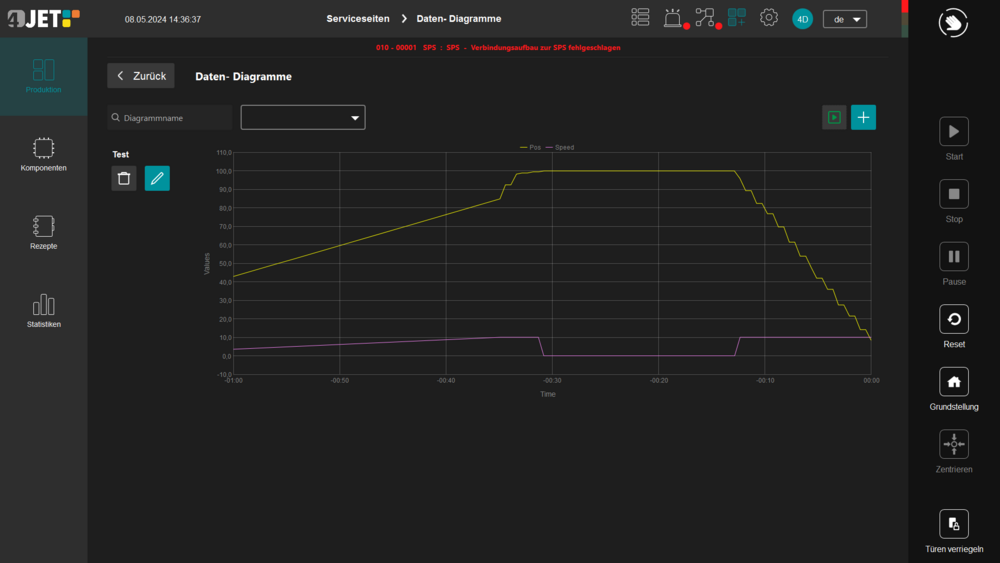
Machine, recipe, and process information is managed in Core4's central, document-based database. Each software module is seamlessly linked to this database. This allows changes to be quickly identified, versioned, and traced back to their source – a major advantage in validated production environments or with complex product variants. The entire process can be documented seamlessly, from recipe development to production and analysis. Machine configurations, user settings, production data, parameter histories, error logs, and individual process recipes are stored in the database. Live data is visualized and processed in real time in accordance with the SEMI 10 standard and is available for analysis, evaluation, and optimization. Logging allows status messages or errors to be viewed retrospectively and used for process improvement.